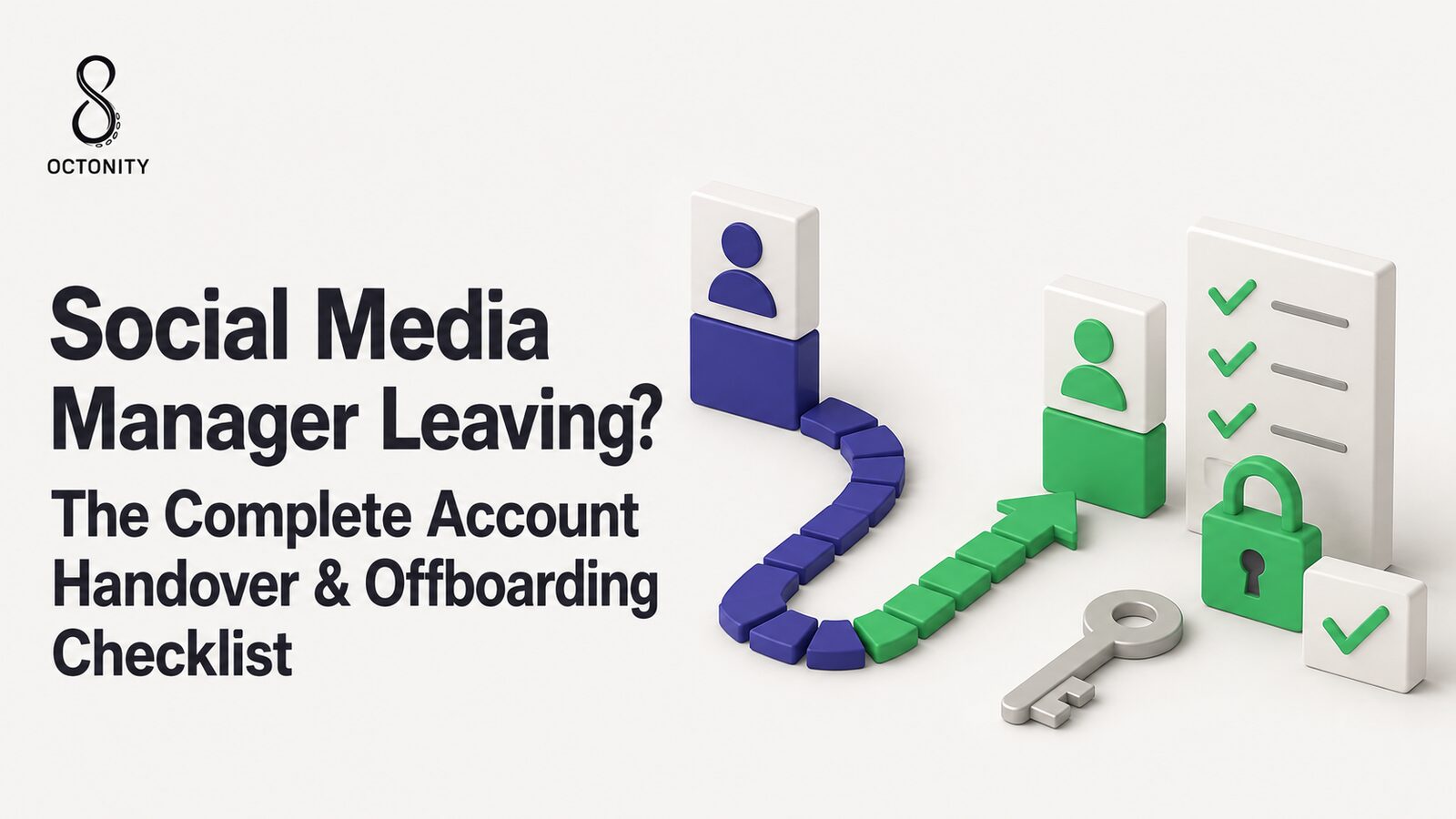
Social Media Manager Leaving? The Complete Account Handover & Offboarding Checklist
When the person who runs your brand accounts leaves, every dangling login and half-remembered password becomes a live risk. Here is a layered account handover checklist that closes every door — platform by platform — without losing the knowledge that walks out with them.
LH
Layla Haddad
Head of Trust & Safety
10 August 2026
8 min read
Your social media manager just handed in their notice — or was walked
out this morning. Either way, you now own a problem most companies have
no process for: social media offboarding. The person leaving holds
Page permissions, inbox history, scheduled posts, maybe a shared
password or two, and a head full of context nobody wrote down. This
account handover checklist walks through every layer, in order, so that
when the door closes behind them, every account door closes too.
The goal is two-sided: zero dangling access and zero lost
knowledge. Doing only the first half gives you a secure account
nobody knows how to run.
Why social media offboarding is the riskiest week for your accounts
Brand accounts are most exposed in the days around a departure, for
three reasons:
Dangling access. Social permissions are scattered across half a
dozen surfaces — Page settings, business portfolios, partner
assignments, connected apps, browser sessions. IT disables the company
email in one click; none of these places care.
Shared passwords. If the team ever shared a login "just this once,"
the leaver still knows it. Most incidents after a departure are not
sophisticated attacks; they're an old credential that still works.
Tribal knowledge. The content calendar's real state, the customer
in the DMs who was promised a refund, where the brand fonts live — if
it exists only in the leaver's head, it leaves with them.
None of this requires bad intent. A former employee whose phone still
receives your Instagram 2FA codes is a risk even if they never touch
anything: their device is now part of your attack surface, outside your
control.
Two scenarios: planned departure vs same-day exit
The checklist below is the same in both cases — what changes is the
order and tempo.
Planned departure (notice period). You have two to four weeks. Run
the knowledge transfer first: the handover document, shadowing with
the successor, a walkthrough of open campaigns. Revoke access completely
on the final day — partial revocation "because they're helping out next
week" is how dangling access is born. If help is genuinely needed
afterward, treat them as an external contractor with fresh, scoped,
temporary access.
Same-day exit. Reverse the order: revoke everything within hours,
then reconstruct the knowledge from artifacts — the scheduler queue, the
inbox, the shared drive, the audit trail of recent actions. It's slower
and lossier, which is exactly why the handover document below should be
a living file maintained before anyone resigns, not an exit-week
scramble.
In a same-day exit, do the revocation steps in one sitting and in one
written pass — not "as we remember things over the week." Every
forgotten permission is an account your former employee can still act
on, from a device you no longer manage.
The layered account handover checklist
Work top to bottom. Each layer is a different door, and they don't
share keys.
Layer 1 — Meta: Page access and Business portfolio
Meta is usually the biggest surface, because access lives in more than
one place (and Meta renames these menus regularly — the concepts are
stable, the labels wander):
Remove the person from Facebook Page access — both Facebook-access
and task-access grants, on every Page, not just the main one.
Remove them from the people list of your Business portfolio (Meta
Business Suite settings). Portfolio membership can carry asset
permissions independently of Page-level grants.
Check partner assignments. The leaver may also appear inside a
partner's portfolio — flag it to the partner if so.
Confirm they hold no lone Full Control. If they were the only
person with full control of a Page, grant it to a current owner
before removing them — never lock yourself out of your own asset.
If your setup follows the partner-access model we described in
how to give an agency access without making them admin,
this layer is one or two removals. That article is, in effect, the
structure that makes offboarding trivial: identity-based, per-task access
means departure equals deletion, not archaeology.
For any account where people sign in with a shared username and password
(it happens — especially on older or smaller channels):
Reset every shared credential the leaver knew — no exceptions for
"they'd never misuse it."
Revoke active sessions after the reset — most platforms have a
"log out of all devices" control; a password change alone doesn't
always end existing sessions.
Rotate two-factor authentication. If 2FA codes went to the leaver's
phone or authenticator app, move 2FA to a company-controlled device and
regenerate backup codes — old backup codes in their notes app are a
second password.
Check the recovery email and phone on each account — more in
Layer 5.
Layer 3 — The other platforms, one pass each
Each remaining network has its own access system; the step is the same
everywhere — find the roster, remove the name (menu wording varies by
platform and changes over time):
LinkedIn — remove them from the Page's admin roles.
YouTube — remove their Google account from the channel's access
permissions.
X (Twitter) — remove their delegate access to the account.
TikTok — remove them from your Business Center members.
Layer 4 — Management platform seats: the shortcut
Here's where a management platform earns its keep. If your team works
through a platform connected to your channels via official
authorization, the leaver's day-to-day access is one seat — and
removing that one seat cuts their access to every connected channel at
once. One removal instead of six platform audits.
In Octonity, that looks like: the person had a role with
brand-scoped permissions (they could only touch the brands assigned to
them), their drafts may have sat behind approval gates, and every action
they took is in the audit log. Remove the seat and their access to all
six connected channels ends in the same moment — while their scheduled
posts, inbox assignments, and history stay behind for the successor.
Layers 1–3 still matter, but the daily-work layer collapses to a single
step.
Layer 5 — The surrounding surface
The accounts are only half the perimeter. Sweep the rest:
Shared drives and brand kit files — logos, fonts, templates, raw
video. Transfer ownership; revoke personal-account shares.
Recovery emails and phone numbers — search every account's
recovery settings for the leaver's addresses and numbers. A recovery
contact is account control.
Saved logins on their devices — company hardware gets wiped per IT
policy; if a personal device was used for work (it was), the password
resets in Layer 2 are your real protection.
Email lists and newsletter tools — remove their seat there too;
subscriber lists are as sensitive as any social account.
Link shorteners, design tools, stock-photo accounts — every
"small" tool with its own login.
The handover document: what must not walk out the door
Access is revocable; knowledge isn't. Capture at minimum:
Content calendar state — what's scheduled, what's drafted, what
was promised to whom, and any embargoed dates.
Open conversations in the inbox — unresolved complaints, promised
follow-ups, ongoing influencer threads. In a
unified inbox with assignment,
this is a reassignment exercise, not a memory exercise: reassign their
open conversations to the successor and nothing falls through.
The credentials map — not the passwords themselves, but where
every campaign credential, ad account, and tool login lives, and who
else holds it.
Brand guidelines location — voice and tone doc, visual identity,
do-not-post list, escalation contacts for a PR incident.
Make the handover document a standing artifact, reviewed quarterly —
not a leaving ritual. The version written in someone's final week is
always the worst version.
The audit-log advantage: review the last 30 days
Before you archive the departure, look backward. If your platform keeps
a full audit log of who did what, review the leaver's final weeks: posts
published or deleted, settings changed, conversations closed, anything
bulk-exported. Almost always you'll find nothing — and now you know
it's nothing, instead of hoping.
This is also where soft-delete policies quietly matter. In Octonity,
deleted items keep a 30-day restore window, so even a rage-quit "delete
everything" moment — or an honest last-day mistake — is reversible
rather than final. Pair the audit review with the restore window and the
worst realistic outcome of a bad exit is a half-hour of cleanup.
The compact final checklist
Meta: removed from Page access on every Page
Meta: removed from Business portfolio people; partner assignments checked
Full Control confirmed held by at least one current owner
All shared passwords reset; all active sessions revoked
2FA rotated to company-controlled devices; backup codes regenerated
LinkedIn Page roles, YouTube channel access, X delegates, TikTok Business Center — cleared
Management platform seat removed (one step, all channels)
Recovery emails/phones checked on every account
Shared drives, brand kit, newsletter tools, small tools swept
Handover document captured: calendar, inbox, credentials map, guidelines
Open inbox conversations reassigned to the successor
Audit log reviewed for the final 30 days
If this list felt long, that's the honest cost of scattered access.
Team roles, brand-scoped permissions, and approval gates on
Octonity's Free tier cost nothing to set up, and they turn
the next offboarding into one removed seat plus a short native-platform
sweep.
FAQ
What should I do first when a social media manager leaves?
Depends on the scenario. Planned departure: start the handover document
and knowledge transfer, then revoke access completely on the final day.
Same-day exit: revoke access first — Meta, shared passwords, platform
seats — then reconstruct knowledge from the calendar, inbox, and audit
log.
Do I need to change social media passwords when an employee leaves?
Only for accounts that used shared credentials — but for those, always:
reset the password, revoke active sessions, and rotate 2FA to a
company-controlled device. Individual, identity-based access needs a
removal, not a reset.
How do I remove a former employee from our Facebook Page?
Remove them in two places: the Page's access list (both Facebook access
and task access) and your Business portfolio's people list in Meta
Business Suite — and check partner assignments too. Menu names shift as
Meta updates its interface, but both surfaces must be cleared.
What is a social media handover document?
A short standing file the successor can run the accounts from: the
content calendar's current state, open inbox conversations and promises
made, a map of where every credential lives, and the location of brand
guidelines and escalation contacts.
LH
Layla Haddad
Head of Trust & Safety at Octonity
Try Octonity for your team
Plan, create, and publish across every channel from one workspace. Free plan available — no credit card.